
Make Vendger yours

One Vendger. Two ways to see your work.

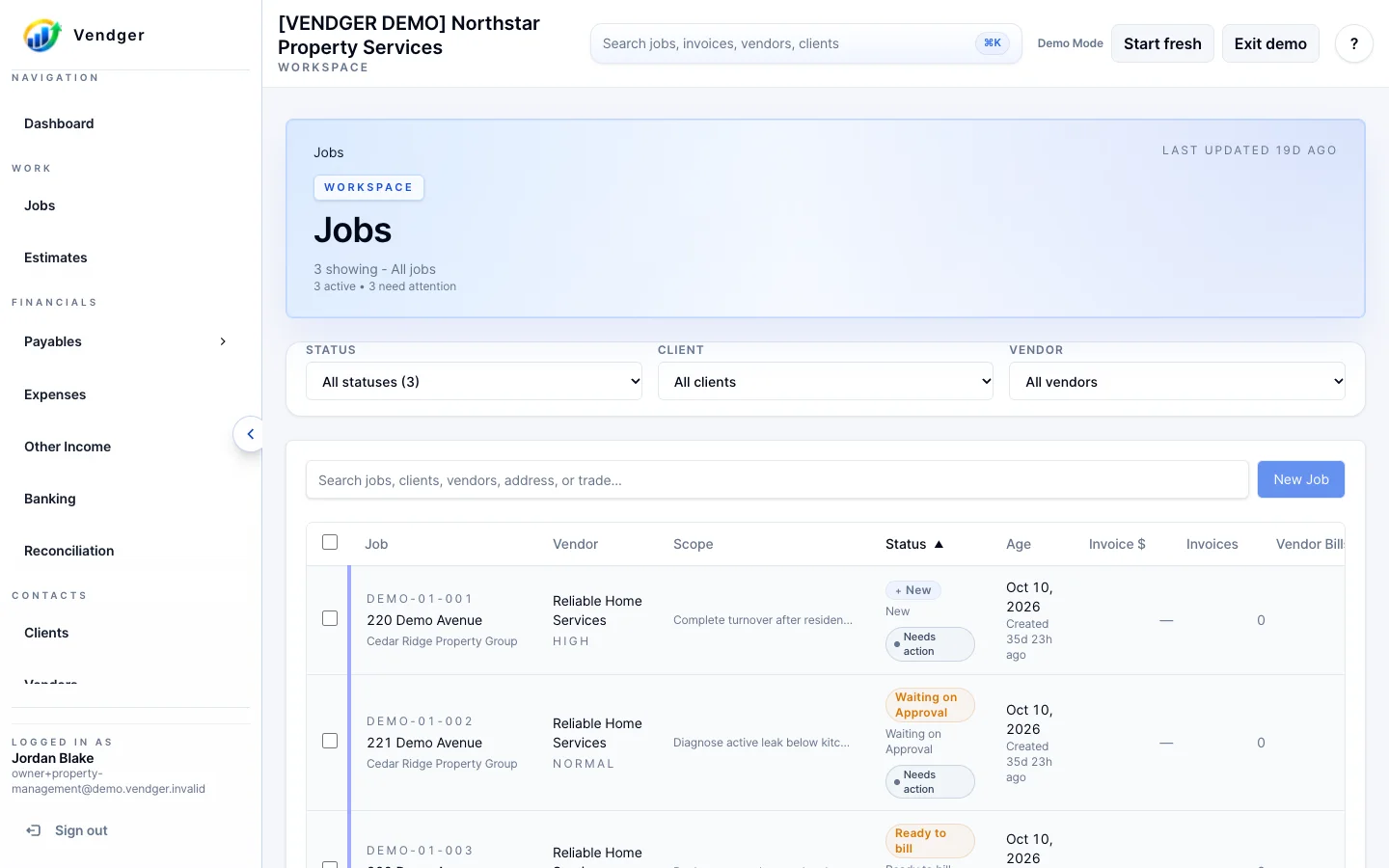
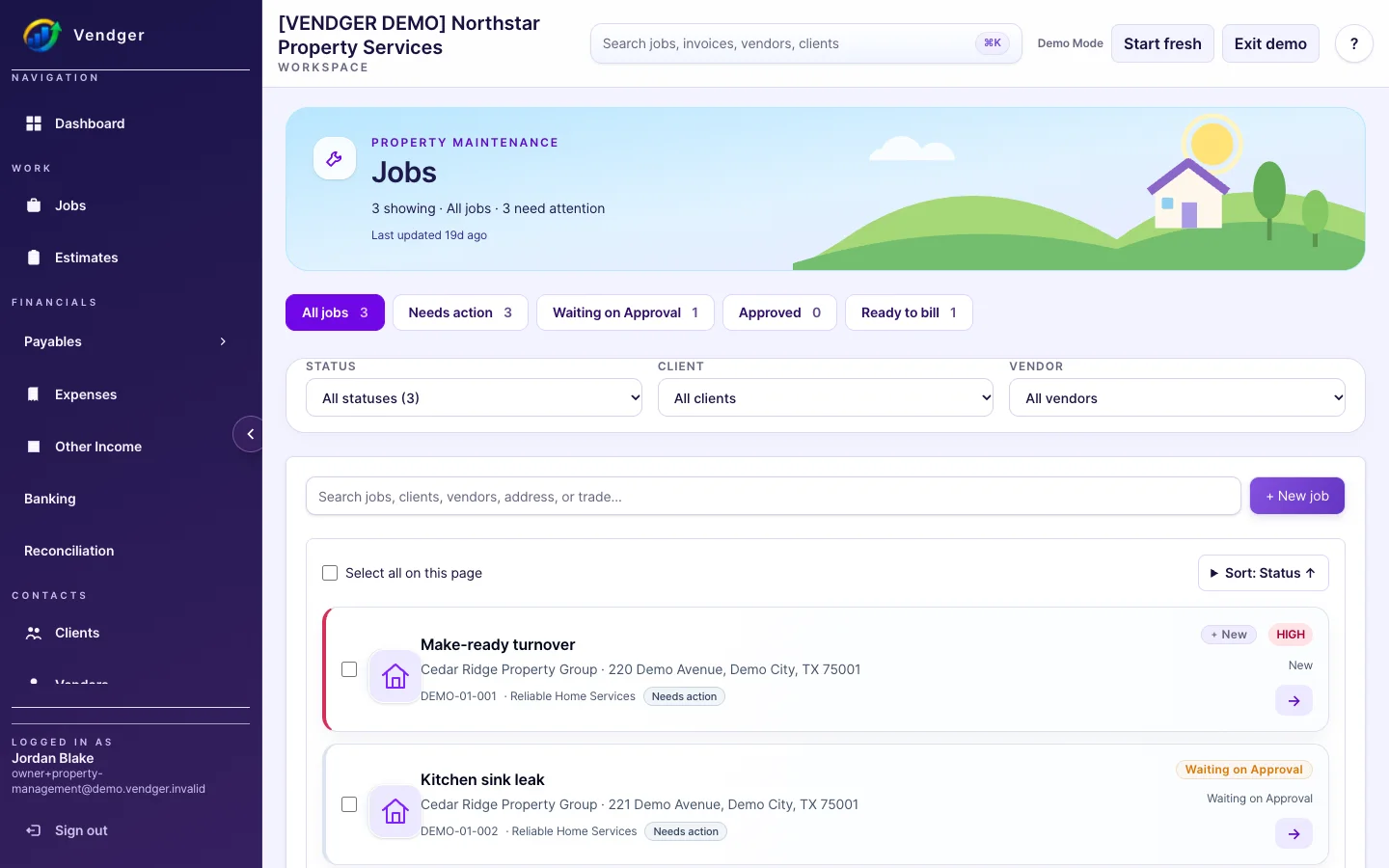
Choose Classic for Vendger’s familiar, straightforward workspace, or switch to Vibrant for a colorful take on the same jobs, customers, and workflows. Your interface preference is personal. It does not change the work or the numbers behind it.

Classic: familiar and focused

The original Vendger interface keeps controls and business information in a light, traditional layout. It is the default when you first use Vendger, so your team can stay with the familiar experience without changing any settings.

Vibrant: colorful and organized

Vibrant adds a richer navigation shell, distinctive icons, illustrated workspace headings, and visual status treatments. It is another presentation of the same Vendger system, not a separate application or a different subscription tier.

Switch when you want.

Signed-in internal users can visit Settings → Appearance → Interface style and select Classic or Vibrant. The preference belongs to the individual user. It does not change the company’s data, job statuses, permissions, estimates, invoices, or payment calculations.

These are representative screenshots, not an interactive appearance switcher. The public demo currently opens in its default presentation; the screenshots let you compare both styles before you sign in.

Explore Vendger

See the workflow behind either look.

Explore the public demo to see how jobs, scheduling, estimates and billing fit together. Public self-service trials will open when launch is ready.